What is Google Workspace Studio?
Workspace Studio is the new place to create, manage, and share AI agents that automate work across your entire Google Workspace. These aren't your old, rule-based automations; these agents, powered by Gemini, can reason, adapt to new information, and handle complex, multi-step workflows.
And the most crucial takeaway? It’s very easy to use.
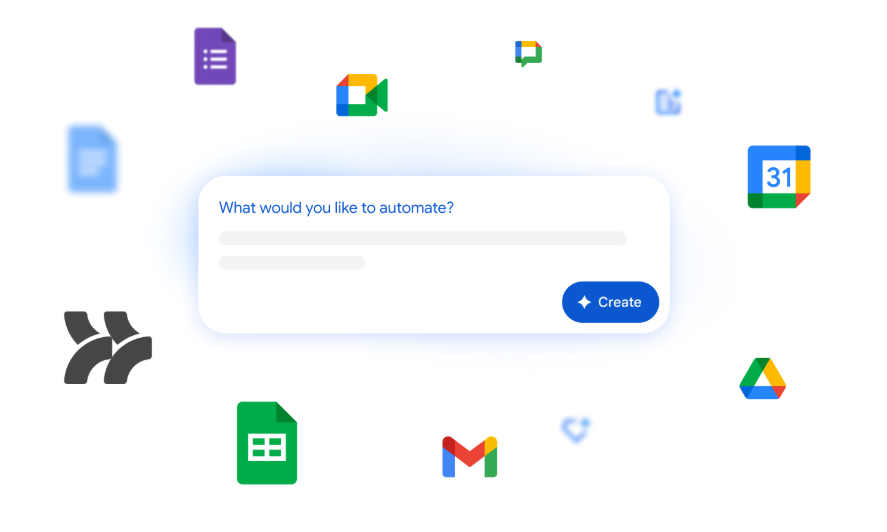
You don't need code or specialized syntax. You can simply describe what you want to automate in plain language, and Gemini will build the agent for you.
Your Most Important Step: Start Small and Experiment
The biggest friction point in adopting new tech is usually the fear of complexity. Workspace Studio removes that barrier. You don’t have to solve your most challenging business problem on day one.
Our best advice: Start small!
Think about your most common, annoying, or time-consuming tasks. What is something you do every single day or week that feels like a waste of time? That's your perfect candidate for a first automation project.
Building an agent involves just two main parts:
- Starter: The event that kicks off your agent (e.g., "Every Friday at 5 PM," or "Receive a new email with an attachment").
- Steps: The tasks the agent performs after it starts (e.g., "Draft a reply," "Notify me in Chat," or "Label the email").
Start with a template, or simply type in your request, and see what happens. The key is to experiment and share your successes (and failures!) with your colleagues.
5 Everyday Use Cases to Start Your Automation Journey
Here are a few simple yet powerful agents you can build in minutes to dramatically improve your daily workflow.
1. Weekly Planning Nudge
- Starter (The Trigger): Every Friday at 4:30 PM
- Steps (The Action): Ping me in Chat with a simple reminder to review my calendar and plan my priorities for the upcoming week.
- The Value: Ensures dedicated planning time before the weekend without manual reminders.
2. Intelligent Email Prioritization
- Starter: Receive a new email
- Steps: Use Gemini to check if the email contains a direct question or an urgent action item for me. If yes, label the email as "To Respond" and send a notification in Chat.
- The Value: Cuts through the inbox noise and highlights critical communications instantly.
3. Meeting Preparation Brief
- Starter: 30 minutes before an external meeting (based on my Google Calendar)
- Steps: Search Drive and Gmail for the customer's name. Draft a brief summary of our last communication and send it to me in Chat.
- The Value: Ensures you walk into every meeting informed and prepared, saving time on pre-meeting searches.
4. New Form Submission Alert
- Starter: Someone submits a specific Google Form (e.g., a support ticket form)
- Steps: Send an immediate notification in Chat to the support channel with a link to the form, and add a task to a shared Google Sheet for tracking.
- The Value: Accelerates response time for key internal or external requests.
5. File Archiving and Tracking
- Starter: Receive an email with an attachment (e.g., an invoice)
- Steps: Save the attachment to a specific folder in Google Drive (e.g., /Invoices/2026), and then mark the email as "Archived" in Gmail.
- The Value: Keeps your inbox clean and ensures important documents are filed consistently, automatically.Ready to Get Started?
Ready to Get Started?
Forget the notion that AI automation is only for IT specialists. Workspace Studio puts the power to create custom agents in the hands of every employee.
Ready to automate your first task?
- Visit Workspace Studio: Go to studio.workspace.google.com.
- Start Simple: Choose a template from the "Discover" page, or simply describe your desired automation in the prompt bar (e.g., "Every Monday, ping me in Chat to check my unread emails").
- Test and Turn On: Run a quick test, and if it works, turn on your agent!
Start experimenting today. The daily tasks you delegate to AI will free you up to do the work that truly matters.
Read more about Google Workspace